
Why Multi Monitor Stands Are Essential for Modern Workspaces
In today’s fast-paced digital world, professionals across industries from financial analysts and gamers to designers and remote teams are turning to multi screen setups to maximize productivity. A single monitor often isn’t enough to handle the growing need for multitasking, data monitoring, or immersive visuals. That’s where the multi monitor stand comes into play.
A multi monitor stand is more than just a mounting accessory; it’s a crucial productivity tool. It allows you to arrange multiple displays in ergonomic, customizable configurations while saving desk space and improving posture. For businesses and individuals alike, investing in the right monitor stand can transform cluttered desks into streamlined, efficient, and professional AV setups.
At VSYS AV, we specialize in premium mounting solutions designed to optimize work environments and create ergonomic, future-ready spaces. Whether you need monitor arms for dual displays, multi monitor stands for trading setups, or video wall mounts for professional AV installations, our solutions are engineered to deliver performance, durability, and design excellence.
Common Challenges with Multi Monitor Setups
While the idea of using multiple screens is appealing, many professionals face similar challenges:
- Desk Clutter and Limited Space
Multiple monitors often take up valuable desk real estate, leaving little room for essentials like keyboards, notebooks, or personal items. - Poor Ergonomics
Without proper alignment, users may experience neck strain, eye fatigue, or awkward postures, leading to long-term health issues. - Cable Management Issues
More screens mean more cables, which can quickly turn into a messy and unprofessional-looking setup. - Limited Flexibility
Traditional monitor bases offer almost no adjustability. Users struggle with height, tilt, and rotation control, reducing comfort and efficiency. - Inconsistent Aesthetics
Using mismatched stands creates a cluttered, uncoordinated look that undermines the professionalism of modern workspaces.
These pain points highlight why a multi monitor stand is not just an accessory, but an investment in efficiency, ergonomics, and workspace aesthetics.
Benefits of Using Multi Monitor Stands
Before exploring the best solutions, it’s important to understand how the right multi monitor stand can transform your workflow:
- Enhanced Productivity: Switch seamlessly between applications without minimizing windows.
- Optimized Ergonomics: Adjust monitors for eye-level alignment, reducing strain.
- Space Efficiency: Free up valuable desk space for a clean, professional setup.
- Aesthetic Appeal: Create a sleek, modern look that enhances workplace professionalism.
- Scalability: Easily add or reconfigure screens as your needs evolve.
Types of Multi Monitor Stands
When selecting the best stand for your setup, it’s essential to consider the different types available:
1. Dual Monitor Stands
Perfect for professionals who rely on two screens for multitasking, coding, or design work. Dual stands provide flexibility in positioning side-by-side displays.
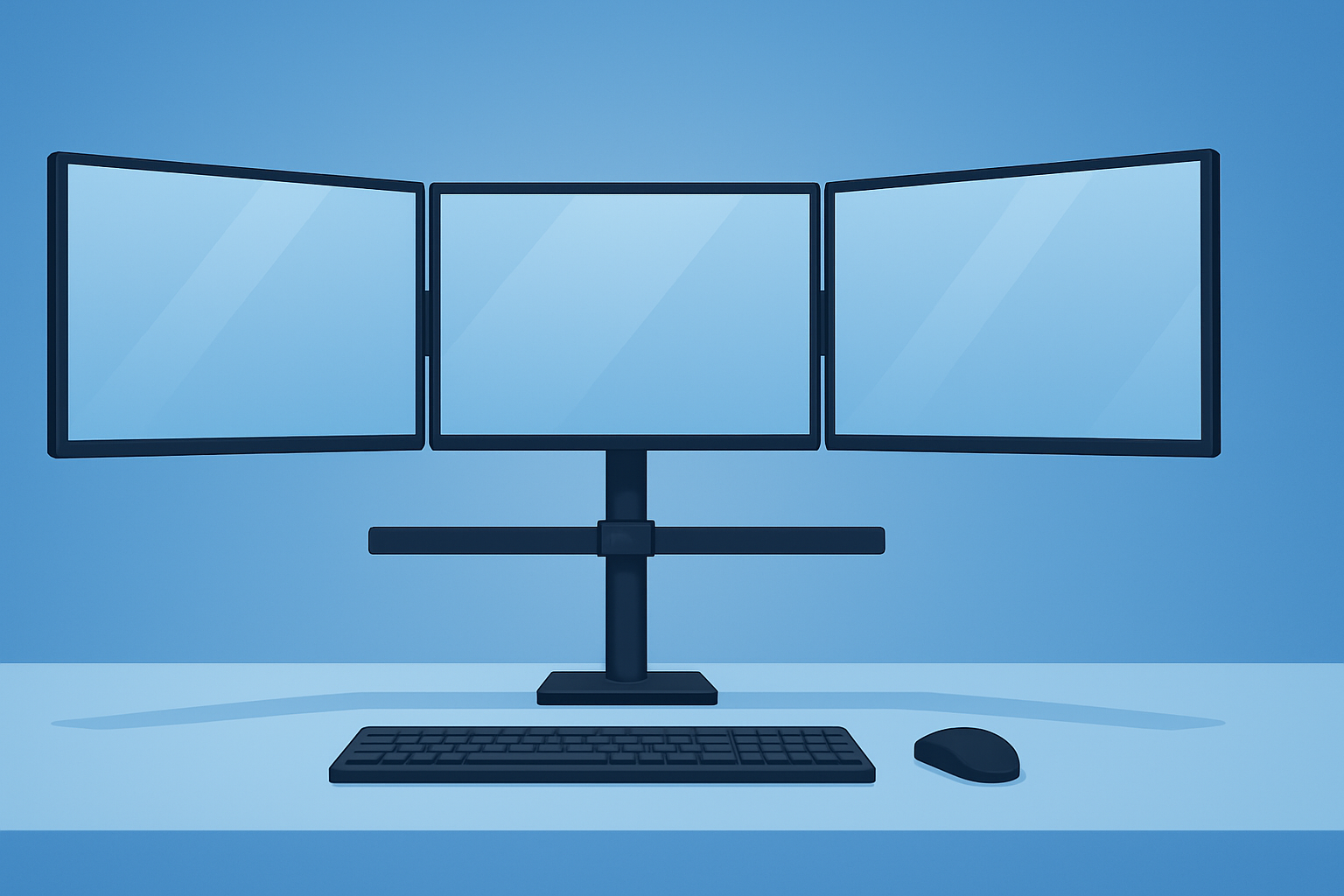
2. Triple Monitor Stands
Ideal for gamers, financial traders, or video editors. These stands create immersive panoramic views or efficient workstations for data-heavy workflows.
3. Quad Monitor Stands
Best for mission-critical environments like control rooms or surveillance hubs, offering complete visibility across multiple data streams.
4. Monitor Arms
Ergonomic arms offer maximum flexibility with tilt, swivel, and rotation adjustments. They’re perfect for dynamic setups where screen movement is frequent.
5. Freestanding Stands vs. Clamp Mounts
Freestanding stands are portable and simple to set up, while clamp mounts save desk space by securing directly to the edge of your desk.
How to Choose the Best Multi Monitor Stand
Selecting the right solution requires careful consideration of several factors:
- Monitor Size and Weight Capacity
Ensure the stand supports the dimensions and weight of your monitors. - Adjustability and Ergonomics
Look for stands with tilt, swivel, height, and rotation controls for maximum comfort. - Desk Compatibility
Check whether your desk supports clamp mounts or requires freestanding options. - Cable Management Features
Choose stands with integrated cable channels to keep your setup clean and professional. - Durability and Build Quality
Premium materials ensure long-lasting stability and reliability. - Scalability
Consider future needs—can your stand accommodate additional monitors?
VSYS AV Solutions for Multi Screen Setups
At VSYS AV, we design and manufacture premium solutions tailored to modern AV needs. Our multi monitor stands and ergonomic arms are engineered to provide unmatched flexibility and design.
1. VSYS AV Ergonomic Monitor Arms
Our ergonomic arms are perfect for dual or triple screen setups, offering:
- Full range of motion (tilt, swivel, rotate).
- Integrated cable management channels.
- Sleek, professional design that complements modern offices.
2. VSYS AV Multi Monitor Desk Stands
For financial analysts, gamers, and content creators who demand performance:
- Stable base with high weight capacity.
- Configurations for dual, triple, or quad monitors.
- Easy installation and reconfiguration.
3. VSYS AV Mobile Display Carts
When mobility is key, our carts allow multiple monitors to be mounted on mobile frames—ideal for hybrid workspaces, classrooms, or AV demonstrations.
4. Video Wall Mount Systems
For large-scale multi display setups in command centers, retail spaces, or events, our video wall mounts provide:
- Precision alignment.
- Easy service access.
- Scalable modular designs.
By integrating VSYS AV multi monitor stands into your workflow, you gain more than just hardware—you gain a workspace designed for productivity, comfort, and future growth.
Expert Best Practices for Multi Monitor Setups
To get the most out of your multi monitor stand, consider these expert recommendations:
- Align Screens at Eye Level: Prevents neck strain and promotes ergonomic posture.
- Maintain Consistent Monitor Sizes: Avoid mismatched resolutions for seamless transitions.
- Use Display Management Software: Tools like DisplayFusion or Windows Snap assist with window organization.
- Keep a Clean Desk Policy: Pair your stand with minimal desk clutter to maximize efficiency.
- Leverage Cable Management: Use ties, clips, or built-in channels to keep cables hidden.
- Plan for Future Growth: Choose scalable systems that allow expansion as your workflow evolves.
Trends in Multi Screen Setups
The rise of hybrid work, remote collaboration, and data-driven industries is fueling the adoption of multi monitor solutions. Key trends include:
- Ergonomic Innovation: Growing demand for adjustable arms and sit-stand compatible stands.
- Minimalist Design: Sleek, cable-free setups are becoming the standard for professional offices.
- Scalability: Businesses increasingly seek modular setups that grow with organizational needs.
- Integration with AV Systems: Multi monitor stands now complement broader AV ecosystems, from video walls to conference room solutions.
FAQs: Multi Monitor Stands
1. What is the best multi monitor stand for productivity?
The best stand balances ergonomics, durability, and adjustability. VSYS AV’s ergonomic monitor arms are ideal for dual or triple monitor setups.
2. Can a multi monitor stand improve posture?
Yes. By aligning screens at eye level, these stands reduce strain on the neck, shoulders, and back.
3. Are clamp mounts better than freestanding stands?
Clamp mounts save space and provide more stability, while freestanding stands offer portability and flexibility.
4. What’s the maximum number of monitors I can mount?
VSYS AV solutions support dual, triple, quad, or even larger video wall configurations depending on your needs.
5. Do multi monitor stands work with curved monitors?
Yes, provided the stand supports the weight and dimensions of the curved display.
6. Is installation complicated?
No. Most VSYS AV monitor stands feature simple installation with user-friendly manuals.
7. Can multi monitor stands be used for gaming?
Absolutely. Gamers often prefer dual or triple monitor stands for immersive panoramic views.
8. What makes VSYS AV stands different?
VSYS AV stands are engineered for premium build quality, ergonomic comfort, and modern design, ensuring long-term reliability.
Upgrade Your Workspace with VSYS AV
A multi monitor stand is not just about holding screens it’s about unlocking productivity, improving ergonomics, and creating a professional, clutter-free workspace. Whether you’re a remote worker, a financial analyst, a gamer, or an AV professional, the right stand makes all the difference.
At VSYS AV, we provide innovative mounting solutions tailored to the evolving demands of modern work environments. From ergonomic monitor arms to scalable video wall systems, our products combine durability, flexibility, and design excellence.
Ready to optimize your workspace? Explore our full range of solutions at VSYS AV and take the first step toward a smarter, more productive future.